How to fix video stuttering on your TV: a simple setting
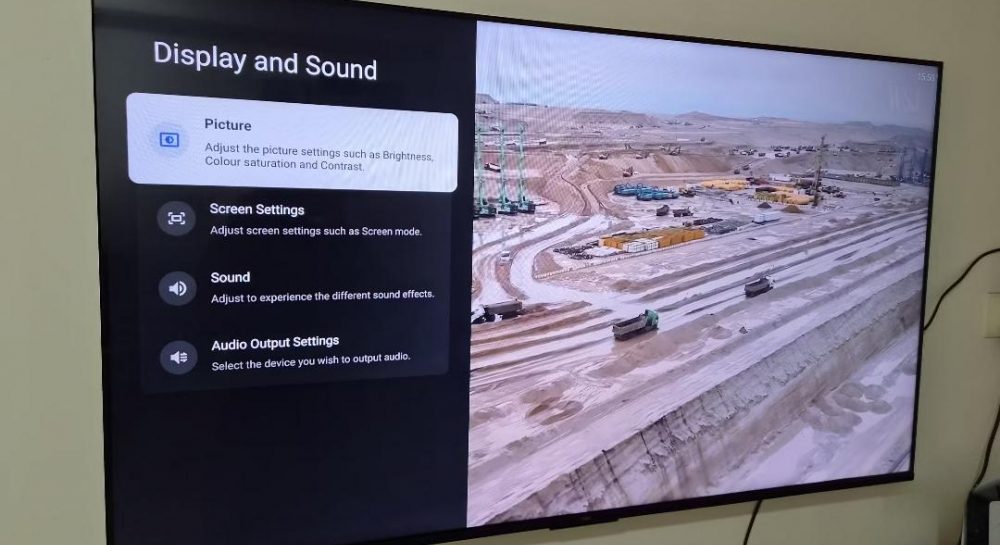
Many TV owners experience stuttering during movies due to frame rate mismatches. You can fix this issue in less than a minute by adjusting your TV settings.
 💡Tech
Photo: UNIAN
Key points
- Frame rate mismatch causes video stuttering
- Match content frame rate is the key solution
- Filmmaker mode preserves original motion
Many viewers mistakenly blame unstable internet connections for stuttering during movies and TV shows. However, experts point out that the issue is usually caused by a mismatch between the content's frame rate and the TV's refresh rate.
Why motion judder occurs
Most films are shot at 24 frames per second, while modern TVs operate at 60Hz or 120Hz. To adapt 24fps content to these screens, TVs use a "3:2 pulldown" process, which creates an uneven rhythm that the human eye perceives as micro-stuttering during camera pans.
How to resolve the issue
The solution is to enable the Match content frame rate option in your TV's settings. This allows the display to automatically adjust its refresh rate to match the original source material.
- Enable the frame rate matching feature in your display settings.
- Choose between seamless or non-seamless switching modes.
- Activate "Filmmaker" mode to disable artificial motion smoothing.
By adjusting these settings, you can eliminate motion judder and ensure that the video is displayed exactly as the director intended.
Source UNIAN — unian.ua/techno/gadgets/chomu-smikayetsya-zobrazhennya-na-televizor… ↗
Read next
 🇺🇦Ukraine
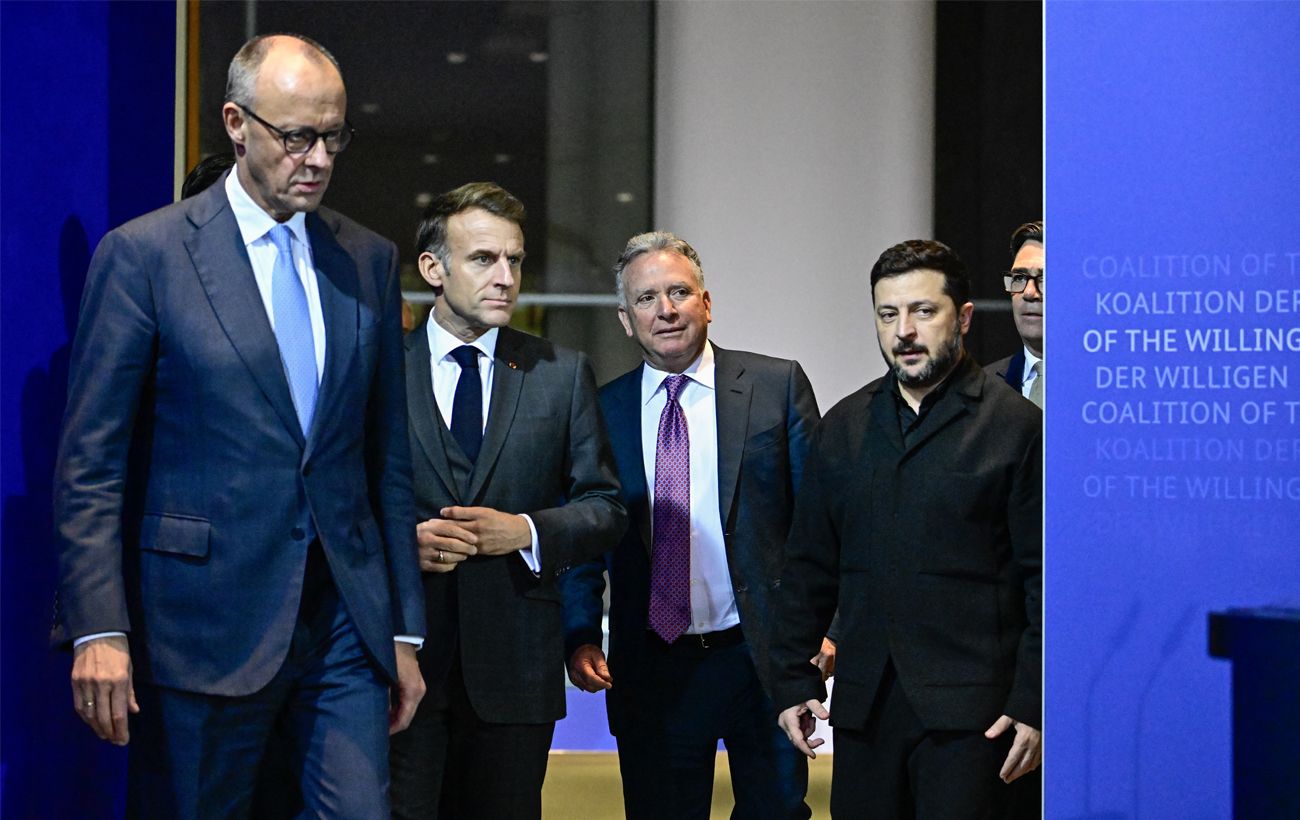
European leaders consider Moscow visit if granted a meaningful role in negotiations
European nations are open to dialogue with Russia regarding the war in Ukraine, provided they have a significant seat at the table.
 🎓Education
Anna Rizatdinova receives international Global Excellence award for sports contribution
Ukrainian gymnast and Olympic Dreams ambassador was honored with a prestigious award in New York for her leadership and support of young athletes.
Tractor Seized on Bucha District Roads for Carrying Wood Without Papers
Eco-inspectors stopped a tractor transporting timber on a field road without legal documentation. Police seized the vehicle and cargo as an investigation into the origin …
 🏙️City
Consequences of energy attacks: experts assess grid restoration prospects
Following recent strikes on Ukraine's energy infrastructure, experts are forecasting varying timelines for restoration depending on the extent of the damage.
 🎓Education
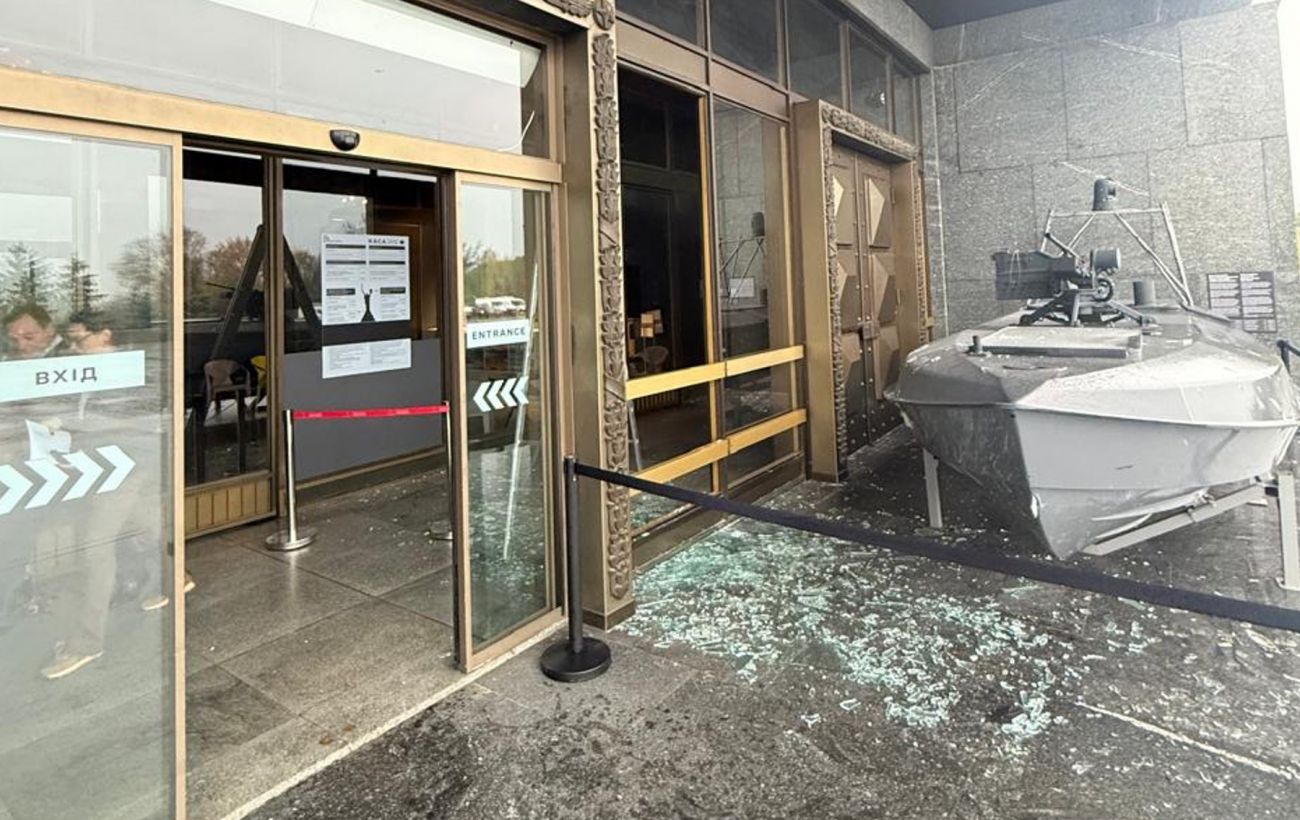
Aftermath of the night attack on the capital: eight cultural and educational landmarks damaged
A night missile strike on Kyiv has damaged eight cultural heritage sites, including the Dragomanov University and St. Michael's Golden-Domed Monastery.
 🎓Education
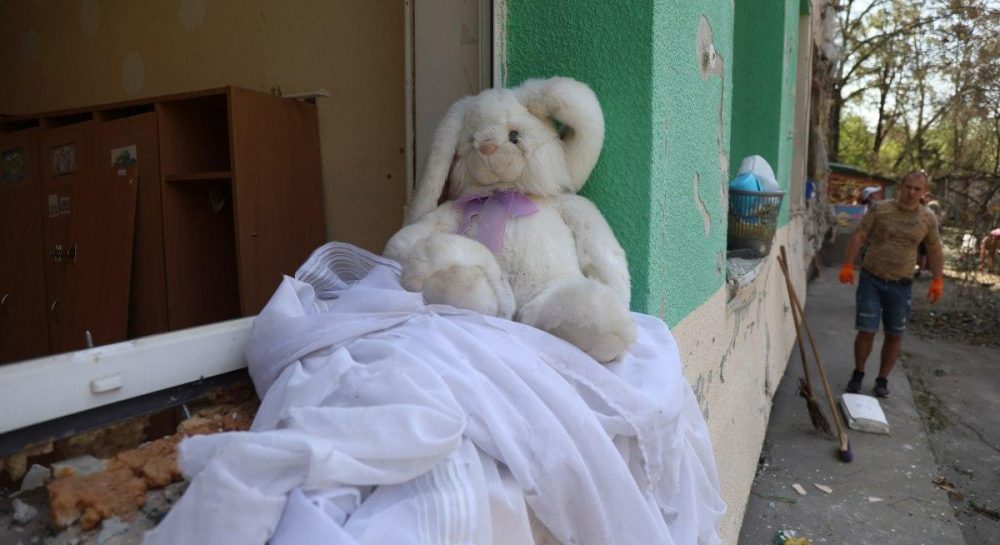
UNICEF reports alarming increase in child casualties in Ukraine amid escalating attacks
Child casualties resulting from hostilities in Ukraine over the first ten months of the year have already surpassed last year's figures, approaching the level seen in the…